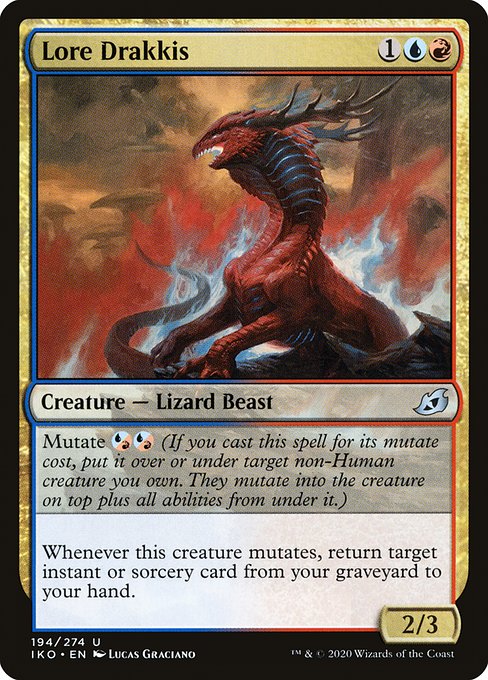
 Magic: The Gathering
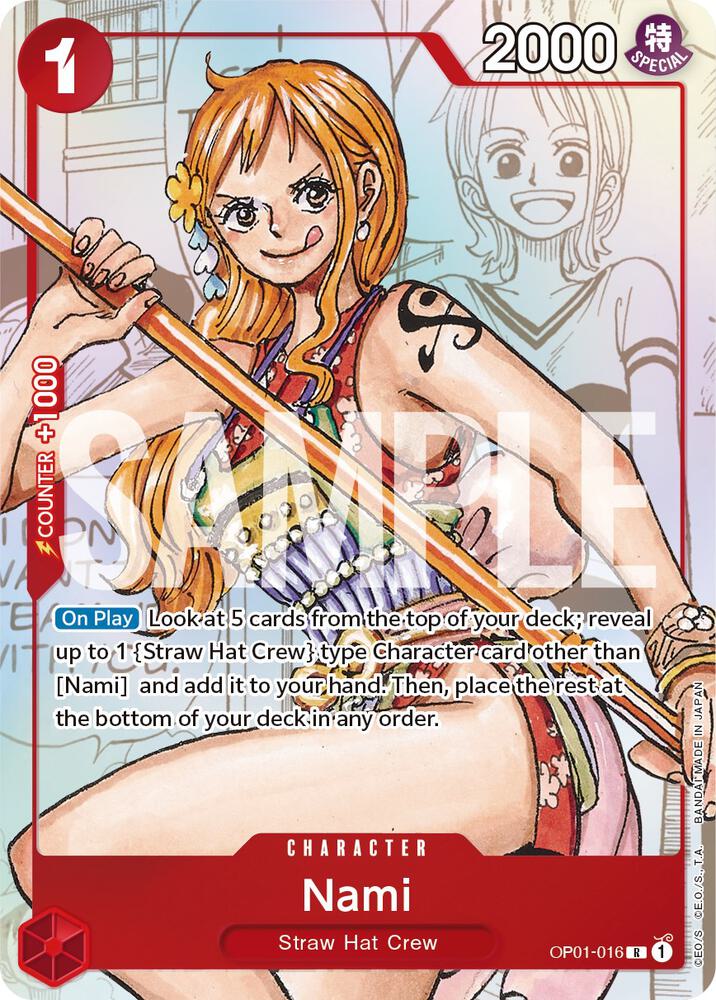 One Piece TCG
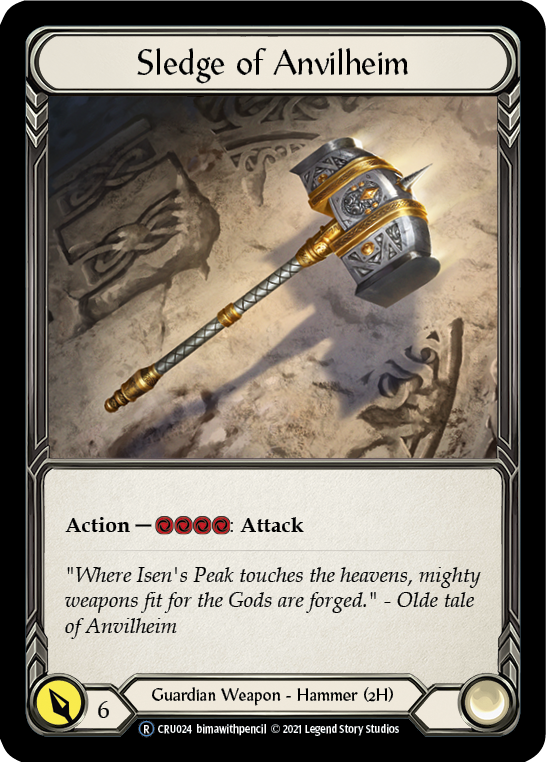 Flesh and Blood
 Star Wars Unlimited
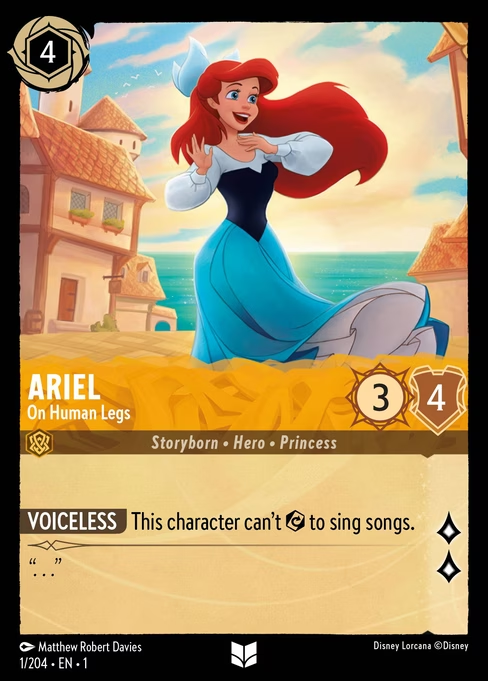 Disney Lorcana
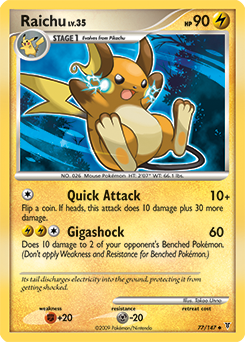 Pokemon
Your multi-game card scanner
Find hidden gems in your Trove.
Scan cards across Pokémon, Magic, Yu-Gi-Oh!, Lorcana, One Piece, Flesh and Blood, and Star Wars Unlimited—with exact catalogue evidence before market context.
 Opening your Trove…0%
Legal
TresorAI provides identification assistance and market estimates. You remain responsible for confirming identity, variation, authenticity, condition, and value.
Results and prices are informational estimates, not professional grading, authentication, financial advice, offers, or guaranteed sale prices.
Do not attempt unauthorized access, upload unlawful material, misuse providers, or interfere with the service.
Read the complete Terms of UseLegal
TresorAI processes account information, private card scans, collection details, usage records, and subscription events needed to provide the service.
Scans are stored outside the public web root. Temporary scans follow configured retention periods; images saved to My Trove remain until removed.
You may edit or remove collection items and request account-data assistance at privacy@tresorai.net.
Read the complete Privacy PolicyYour multi-game card scanner
Scan cards across Pokémon, Magic, Yu-Gi-Oh!, Lorcana, One Piece, Flesh and Blood, and Star Wars Unlimited—with exact catalogue evidence before market context.
Scan. Discover. Build.
TresorAI identifies the game and printing, asks you to confirm close matches, then helps organize every game and follow attributed market observations—without invented prices.
← Swipe to discover →